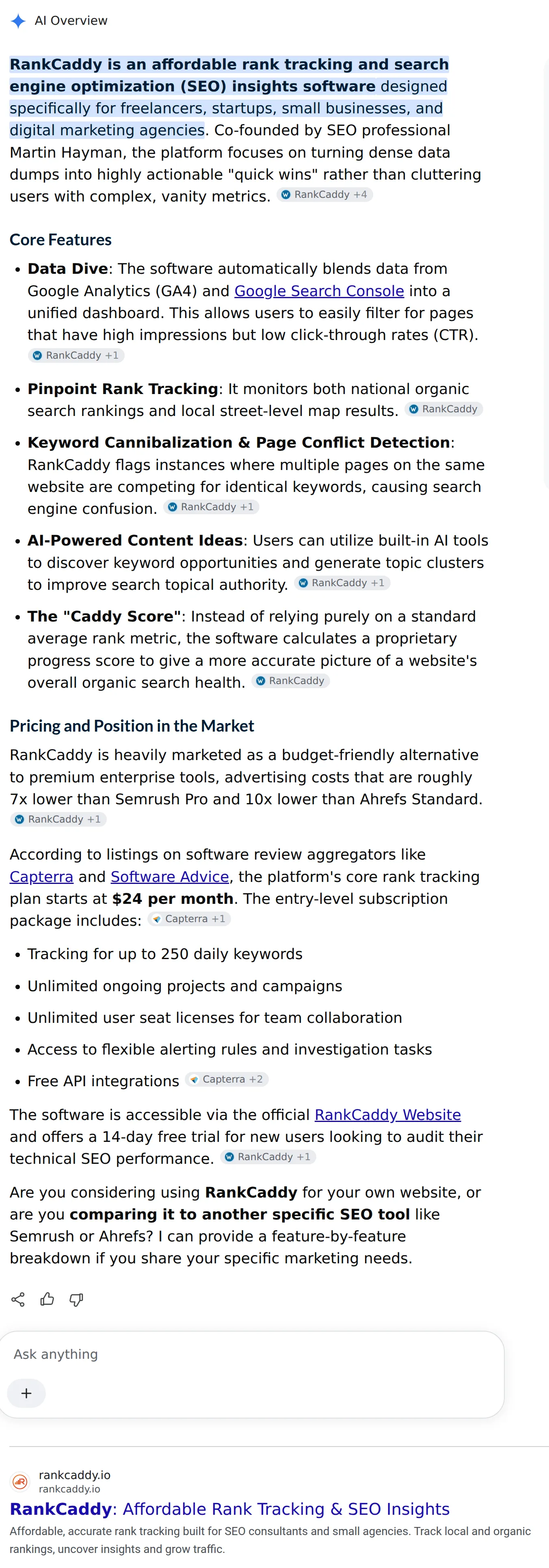
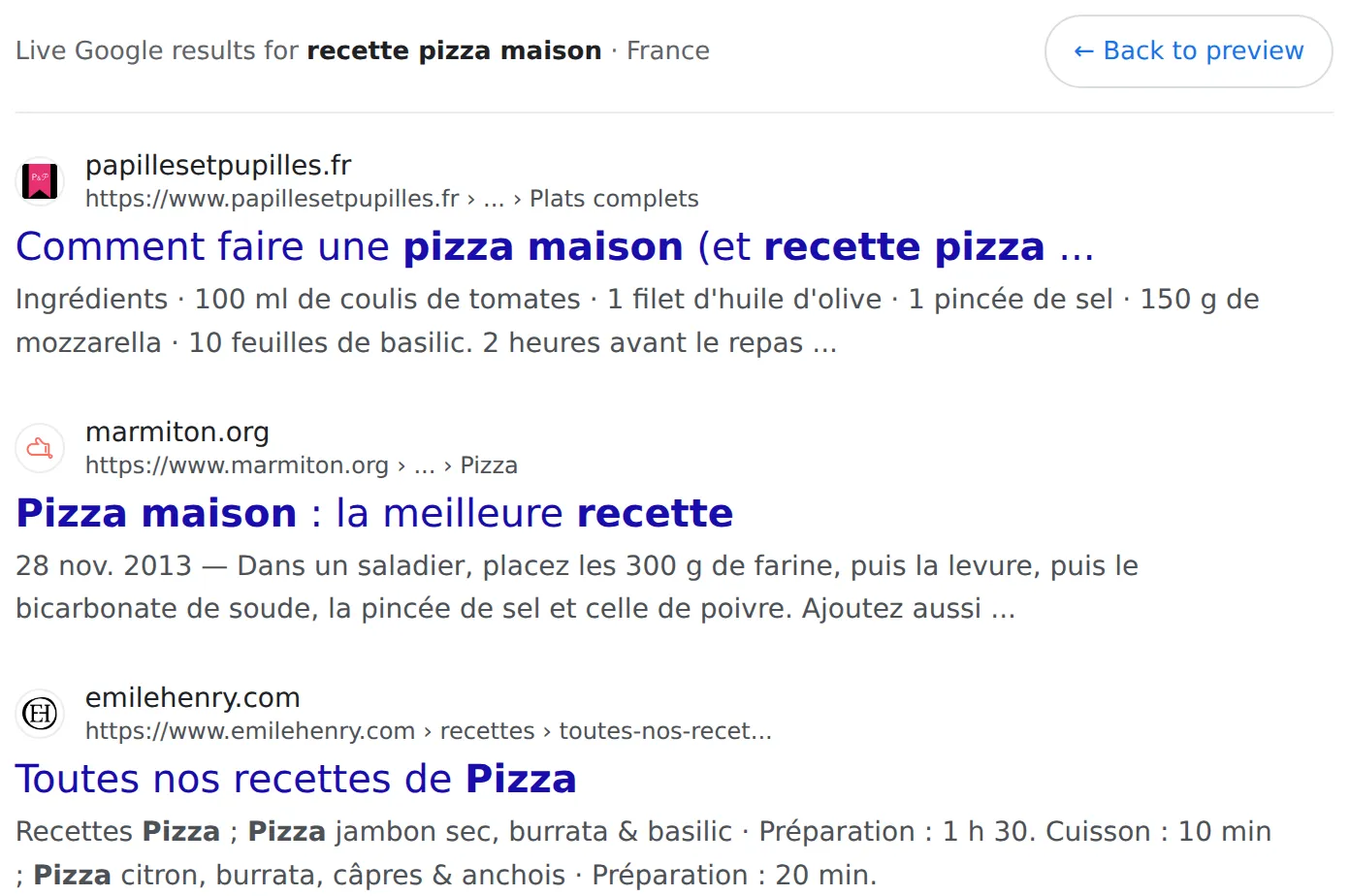
Ranking first stopped meaning appearing first. An AI Overview, a block of ads and a map pack can all sit between the top of the page and your snippet. Switch them on and the Google SERP preview pushes your result down exactly as they would, so you can see how far a searcher has to travel before they reach you.
AI Overview, collapsed and expanded
Two separate toggles, because the two states take very different amounts of room. The collapsed overview leaves part of the first organic result in view. The expanded one usually does not. Switching between them is the quickest way to see how much of your position is worth on a query where Google answers first.
People also ask
The question block often lands between results rather than above them, which is why a snippet that reads well in isolation can arrive after four questions that already answered it.
Ads and the map pack
Commercial and local queries carry both. Turn them on for any keyword where you are competing for a transaction, and the top of the page fills before a single organic result appears.
Dates and review stars
A date makes a result look current and eats into the description. Review stars draw the eye and need product or review markup on the page to appear at all. Both change the shape of the snippet, so preview them before you decide the description length.
The click heatmap
An overlay showing where attention concentrates on a results page. It is a general pattern rather than your own data, and it is most useful for judging whether a lower position is worth fighting for.